
Open-world roleplay and community sessionsGTA Online / FiveM
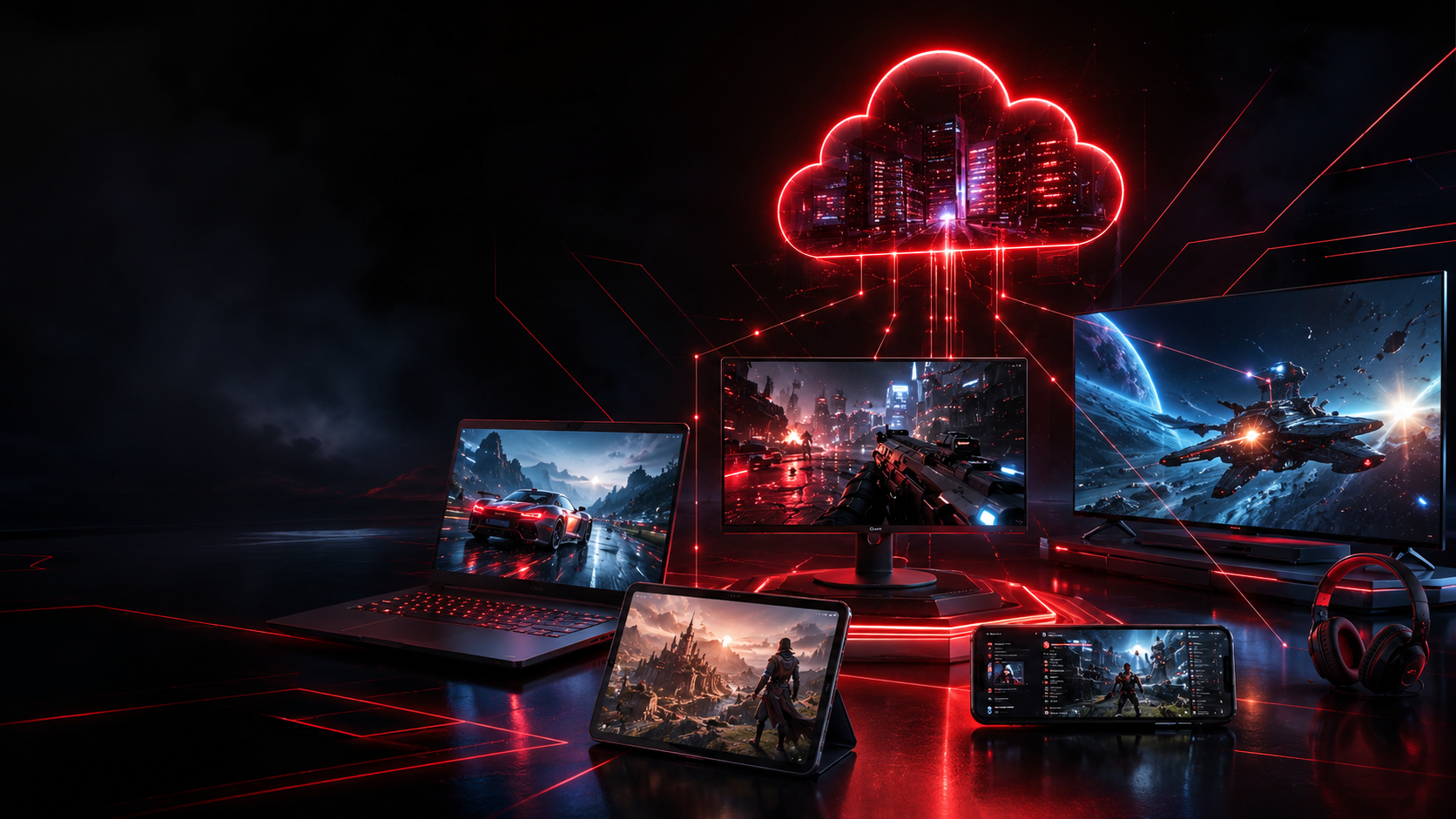
REDFRAME CLOUD lets users access a personal cloud gaming desktop for GTA Online, FiveM communities, competitive games, creator tools, and daily PC workflows from almost any device.
 Steam
Steam Epic Games
 Rockstar Games
 Riot Games
 Battle.net
 Roblox
REDFRAME is positioned as a cloud PC for players, communities, streamers, and creators who already own their games.
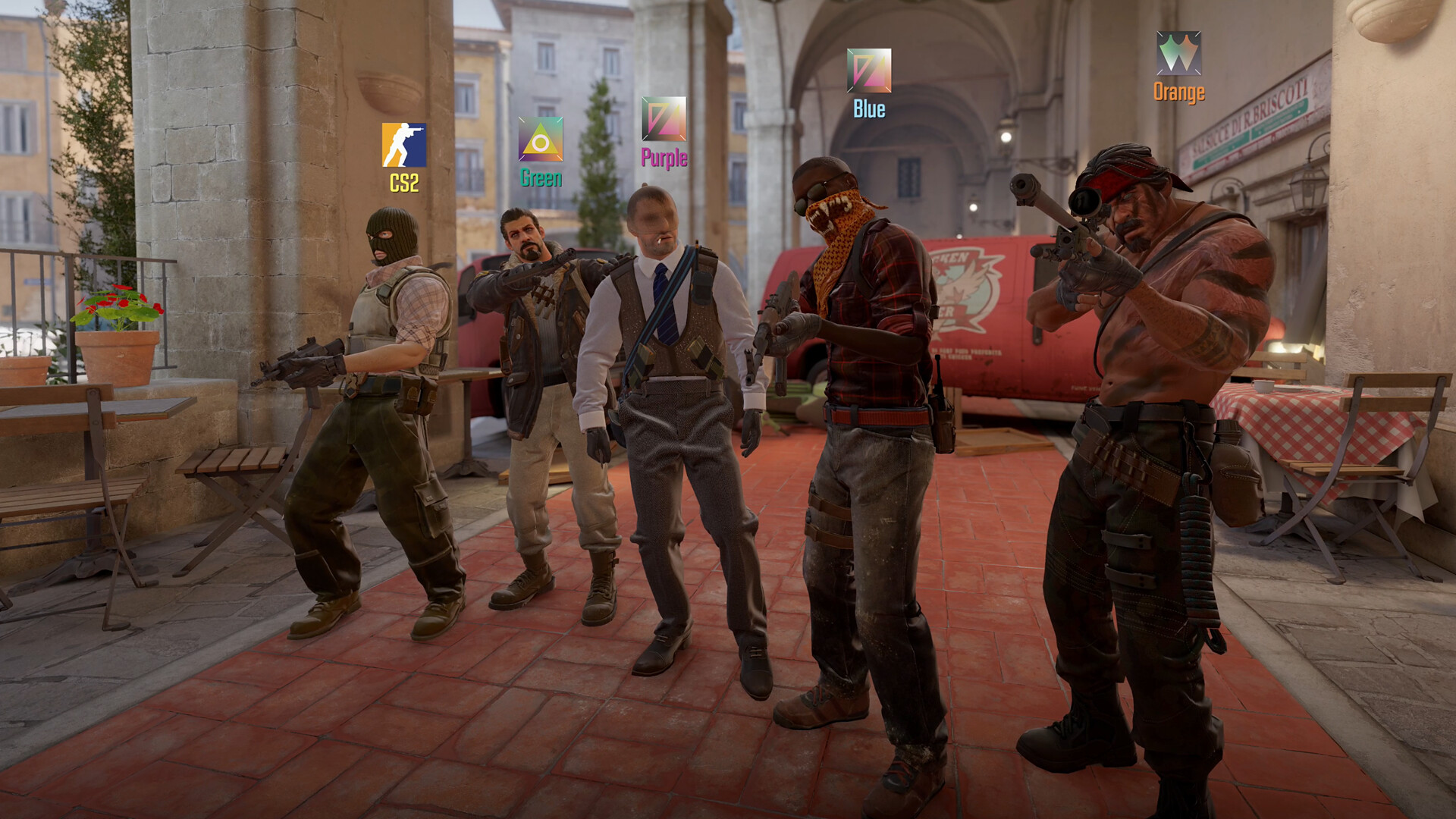
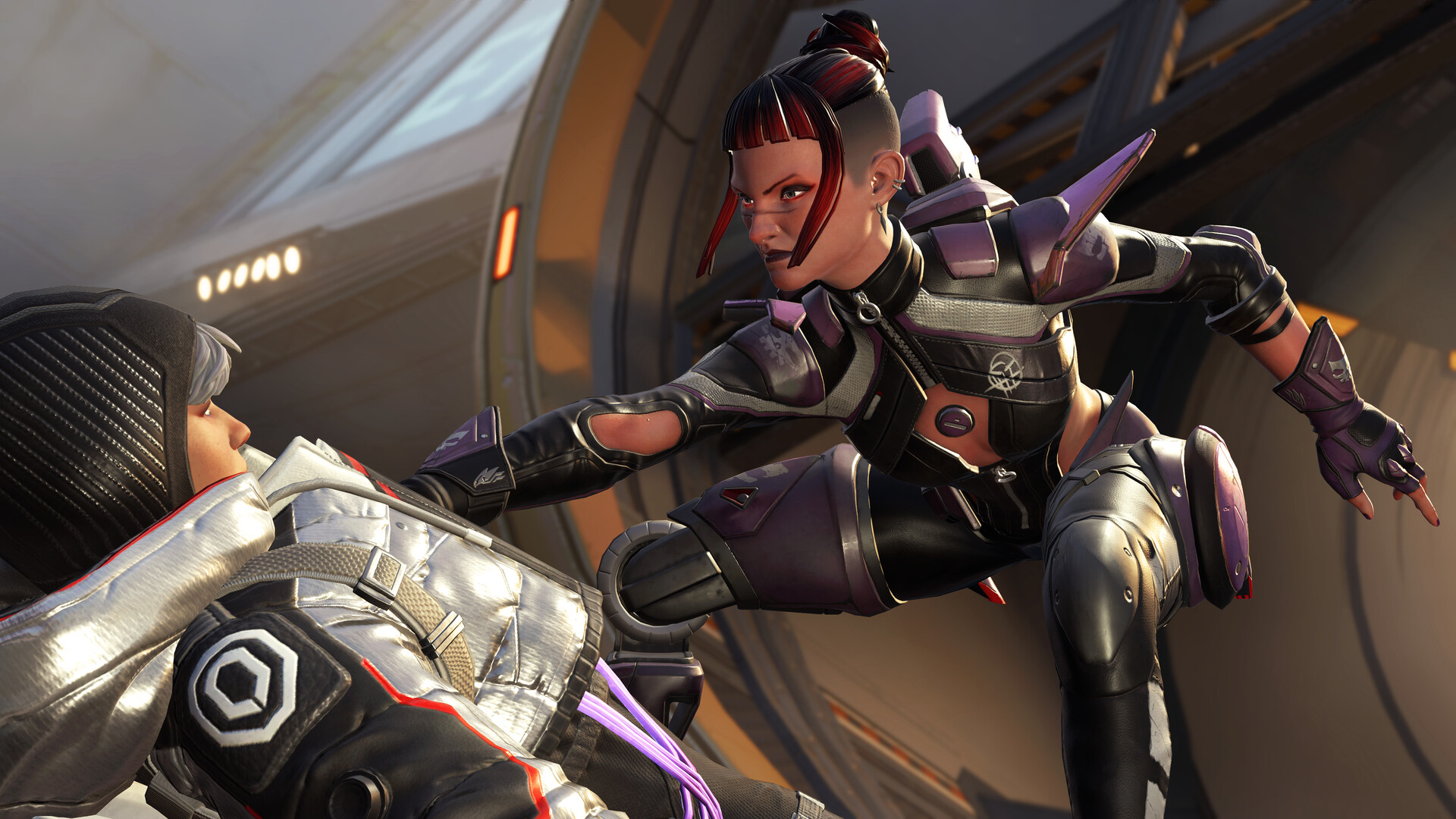
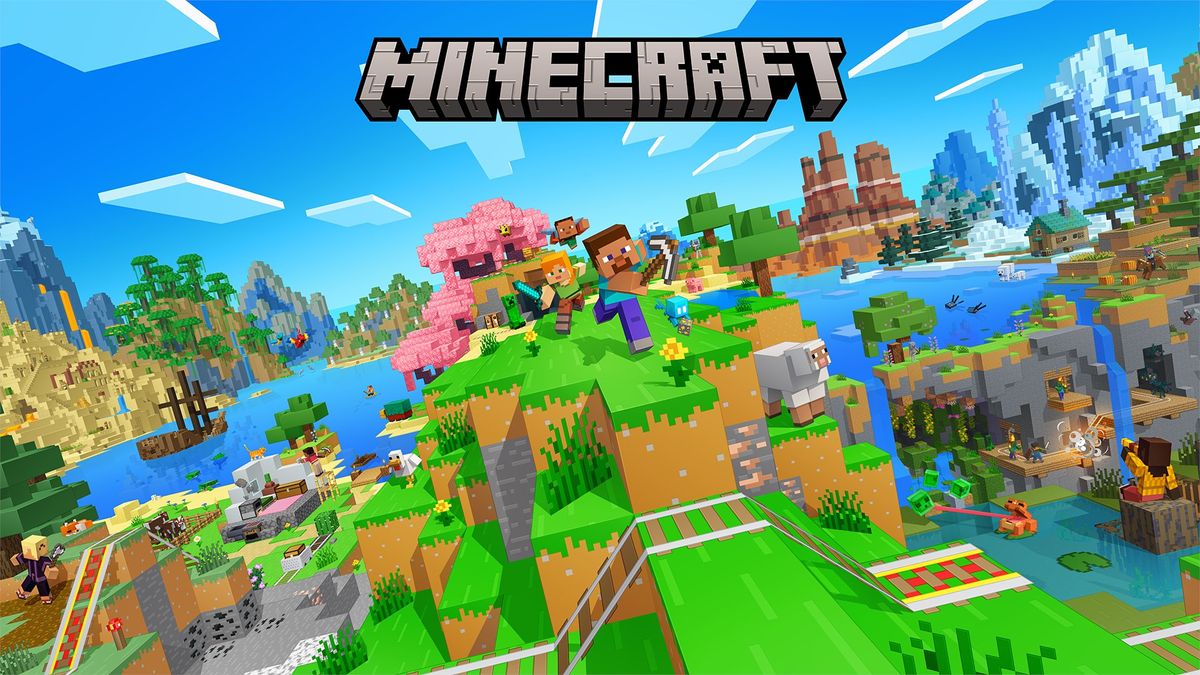

A cloud gaming PC experience should feel familiar: users sign in to the platforms and communities they already use.
SteamEpic GamesRockstar GamesRiot GamesBattle.netRoblox FiveM
FiveM Minecraft
A personal cloud desktop experience that follows your work and play anywhere you go.
No hardware upgrades. No complicated setup. No waiting. Simply connect and continue where you left off.
Play supported PC games from your own library through your cloud desktop. Your account and licenses remain yours.
Connect from your laptop, phone or tablet and keep your workspace, settings, and active sessions available.
Designed for users across Thailand and Southeast Asia with regional routing and optimized network delivery.
A managed environment built to keep your cloud PC reliable and ready whenever you need it.
No server-spec shopping. Pick the experience level that matches how you play, work, and stream.

Play supported games through your own accounts and launcher environment.
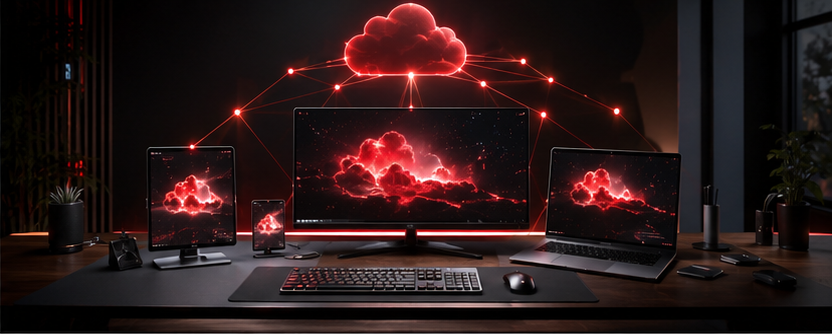
Run office productivity, design, and collaboration apps from anywhere.
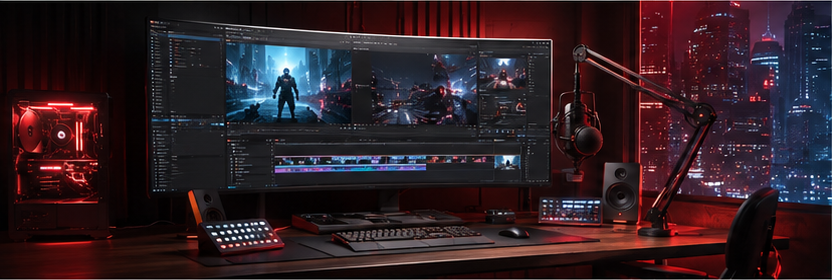
Edit media, content, and creative workflows in a scalable cloud desktop.
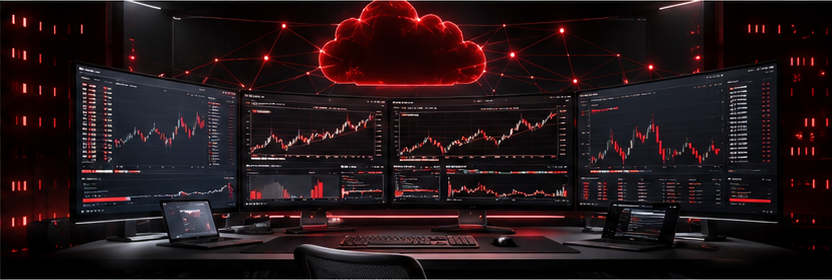
Access trading dashboards and tools in a secure, dedicated session.
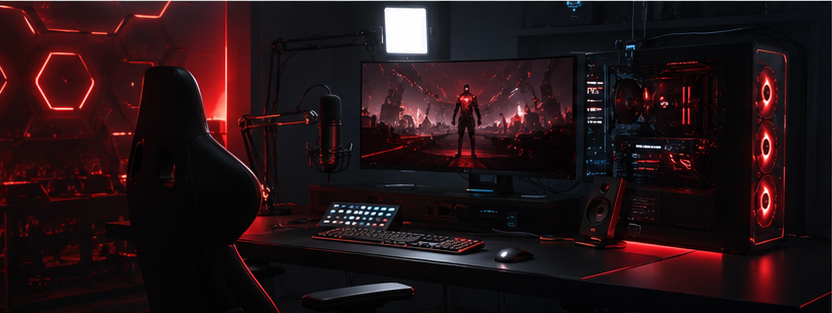
Stream, review, and publish from an always available compute workspace.
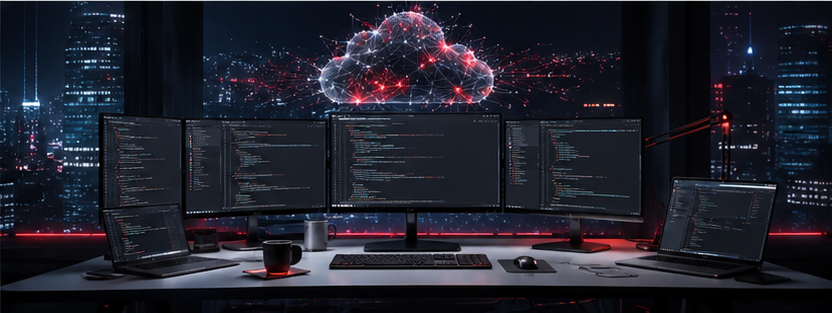
Build and test code in a remote cloud environment without local hardware limits.
From plan selection to your first cloud PC session.
Pick your REDFRAME experience level and send your onboarding request.
Your personal cloud PC session is prepared and assigned for your use.
Sign in from your preferred device and supported remote client.
Launch your platforms, open your desktop, and continue from anywhere.